For the enterprise architect
See what retiring an application breaks, before you retire it
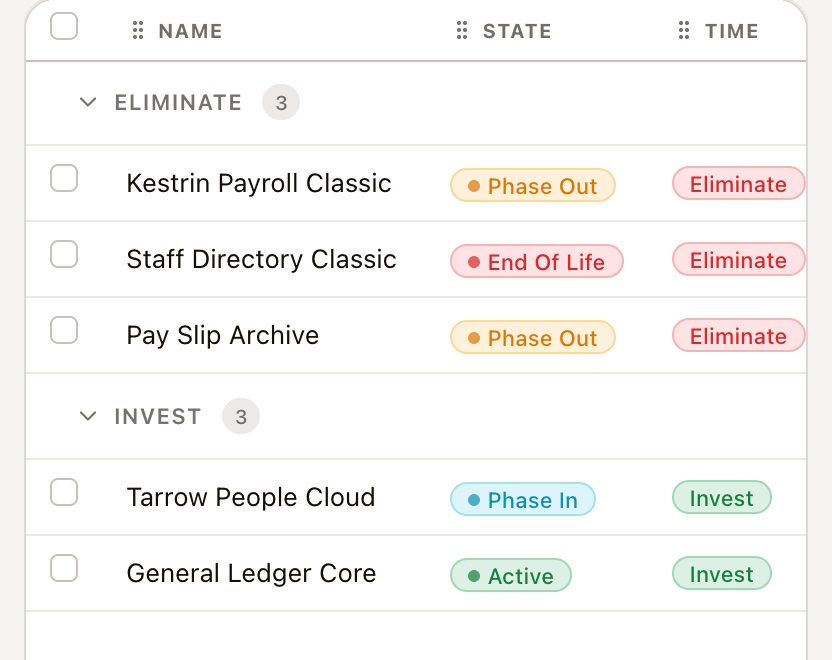
Applications, capabilities, integrations, data, technology and contracts are linked records in AlignX. Open an application marked Eliminate and follow its links to everything it serves and depends on, and to the change that retires it.
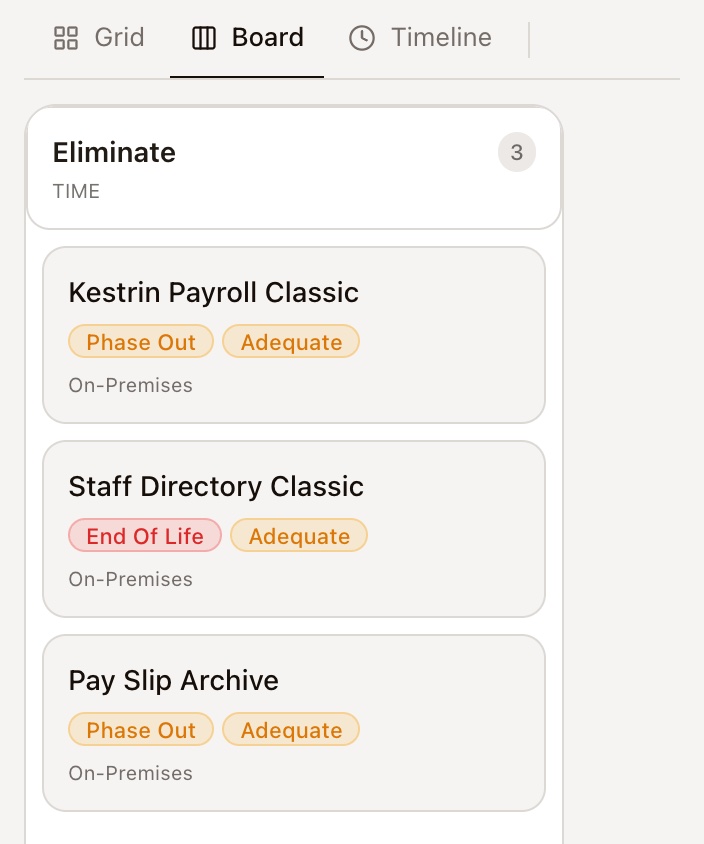
Applications by TIME 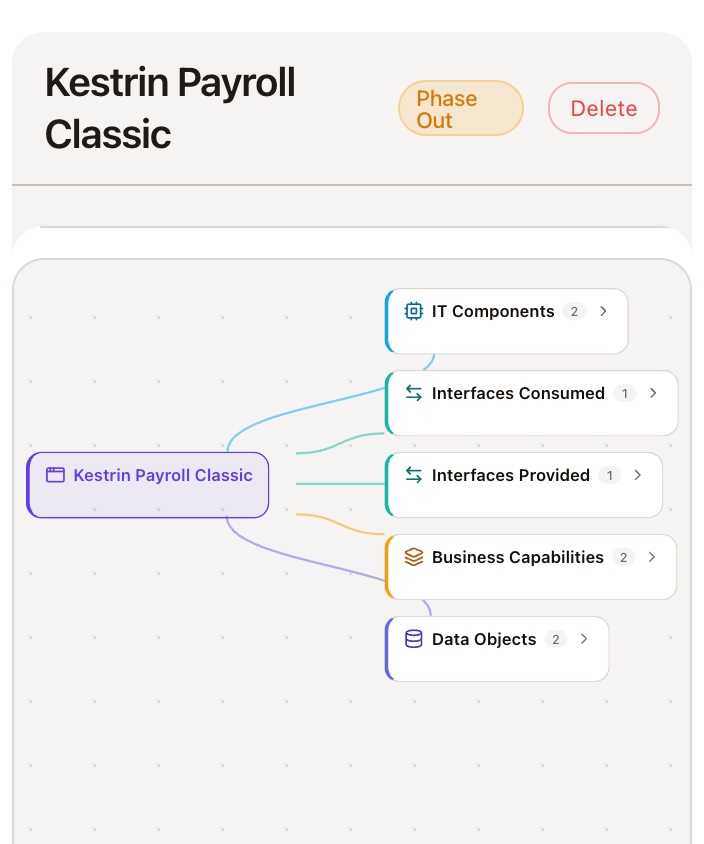
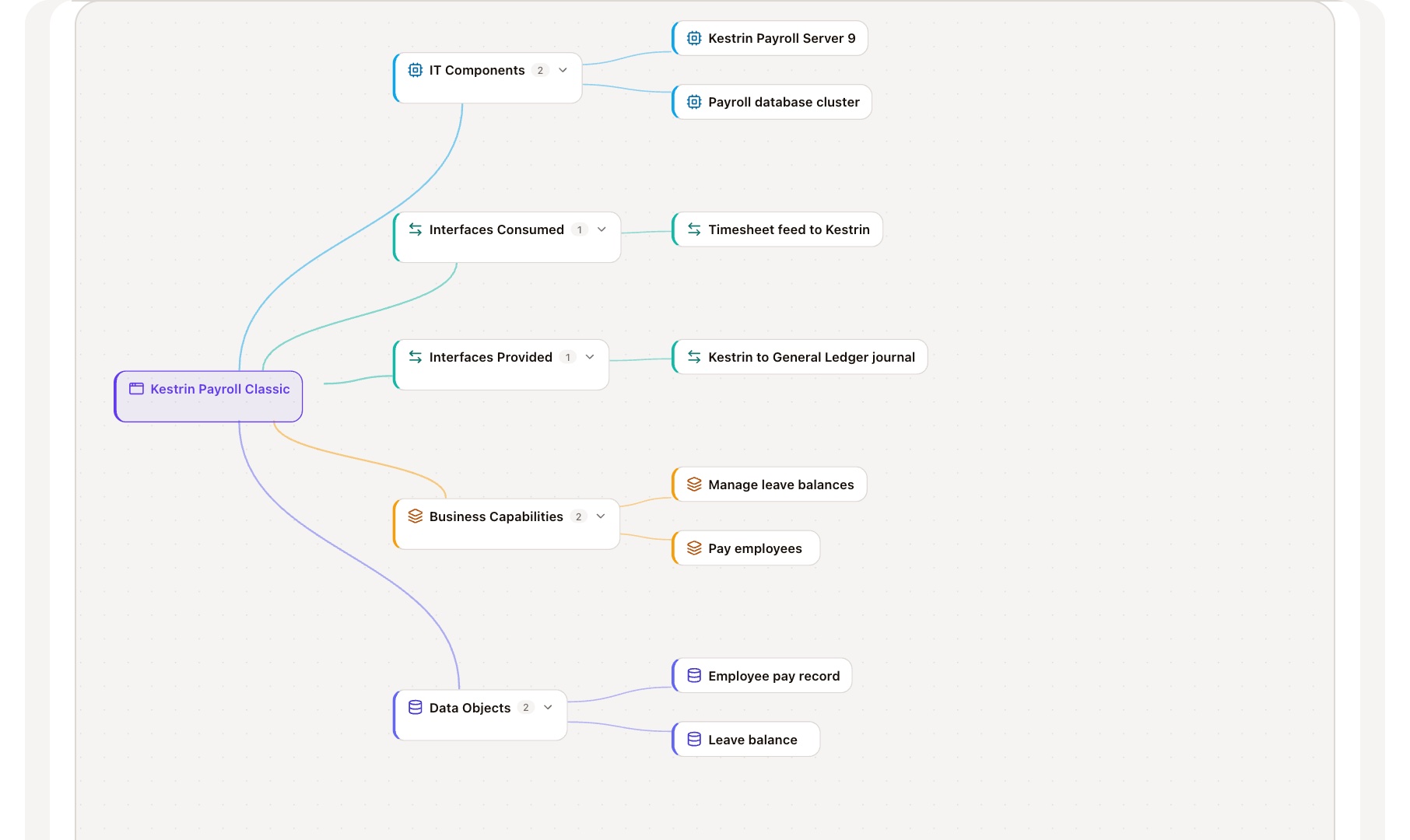
What it touches 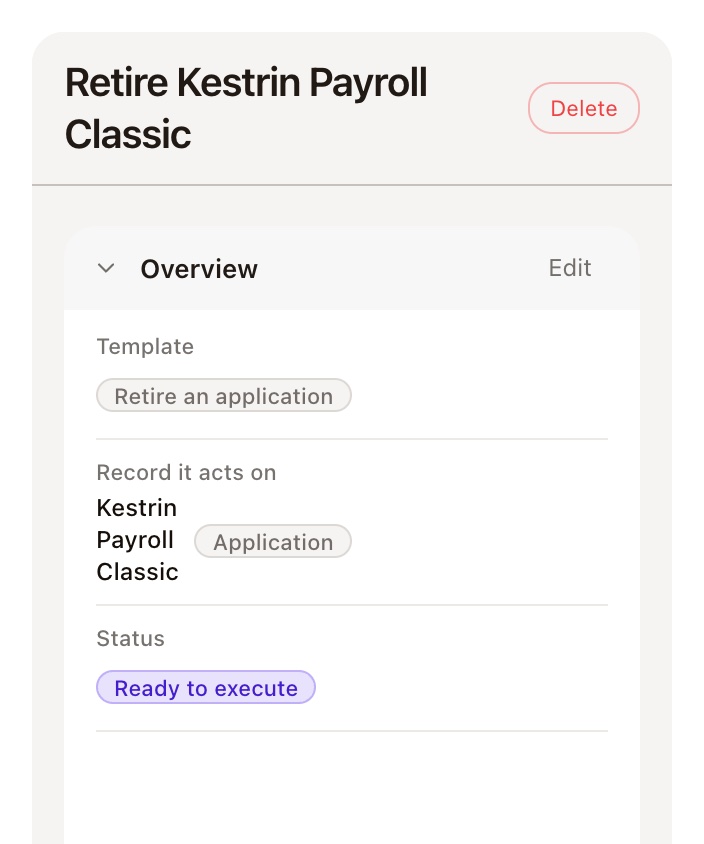
The change that retires it
One retirement, followed on the record
Open an application marked Eliminate and follow its links: to the capabilities, the integrations, the technology and contract, and the change that retires it.
The questions you're asked
Three questions every architect gets, and the record in AlignX that answers each one.
Where you work in AlignX
- Enterprise architectureApplications, capabilities, interfaces, data and technology, each linked to the next.
- Portfolio managementThe changes and business cases that move the estate, with the date each takes effect.
- Vendor and contractThe provider and contract behind each IT component, with notice period and renewal.
What happens after you book
- A walkthrough on your questionWe take the application you're trying to retire and follow it through AlignX.
- One real reviewWe walk one of your retirement or architecture decisions through AlignX with you, before you commit.
Questions architects ask
Not with an importer. Capabilities, interfaces, data objects and IT components load from CSV. The application register has no CSV import yet.
See what retiring an application touches
Book a walkthrough and bring the application you've been trying to switch off.
Runs in your own Power Platform environment.